Pre-use checks done at the tool, not from memory.
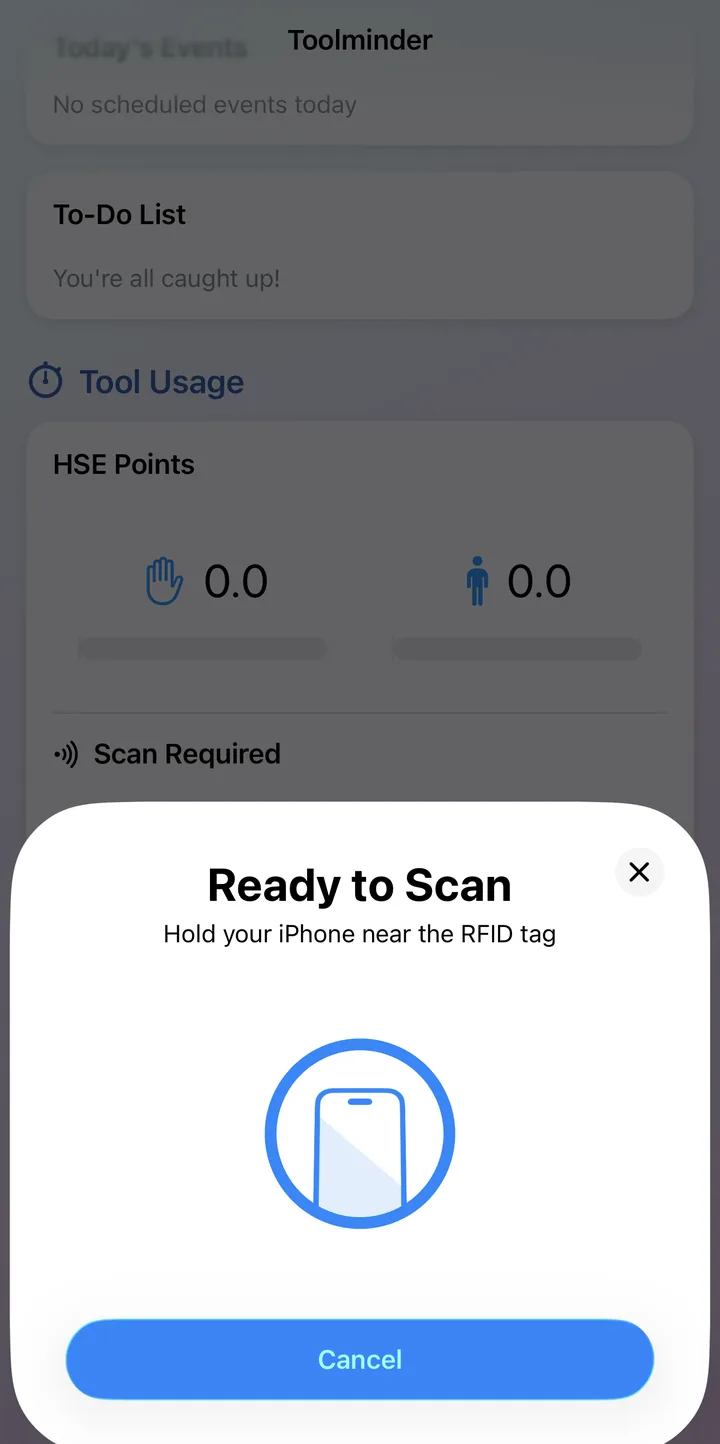
Operators scan the asset's tag before a check can begin: proof they're standing with the right machine. Then it's your checklist, your required tasks, photo evidence and sign-off, saved straight to the asset's history.
One check, start to finish
How it works
A check that can't be ticked from the van.
Paper checklists get filled in from memory. Toolminder's checks start with a scan of the physical tool and end in its permanent record.
Scan to prove presence
Opening a tool from the asset list isn't enough. Toolminder asks for the tag before the check can start. Scan the RFID or NFC tag or the barcode; a mismatched scan is refused. Open the asset by scanning it in the first place, and this step is already done.
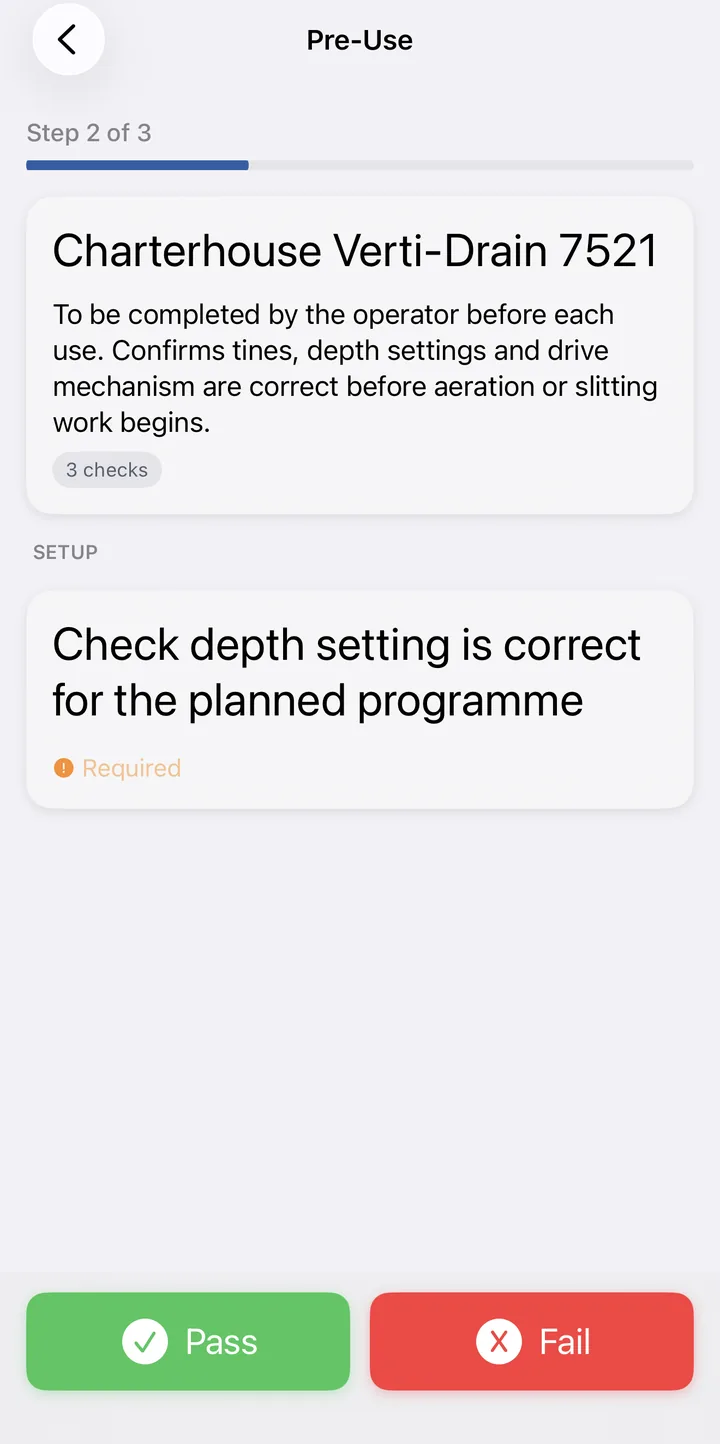
Work through your tasks
Checklist mode shows every task at once; step-by-step presents them one at a time with a progress bar, and holds the Pass and Fail buttons back for a moment so the task is actually read. Required tasks must be answered; optional ones can be skipped.
A failure becomes a job
A failed task asks for a clear reason and photos, then offers to raise a service job on the spot, assigned to a person, with a priority. The tool is refused at the next scan until a new check passes.
Sign, save, move on
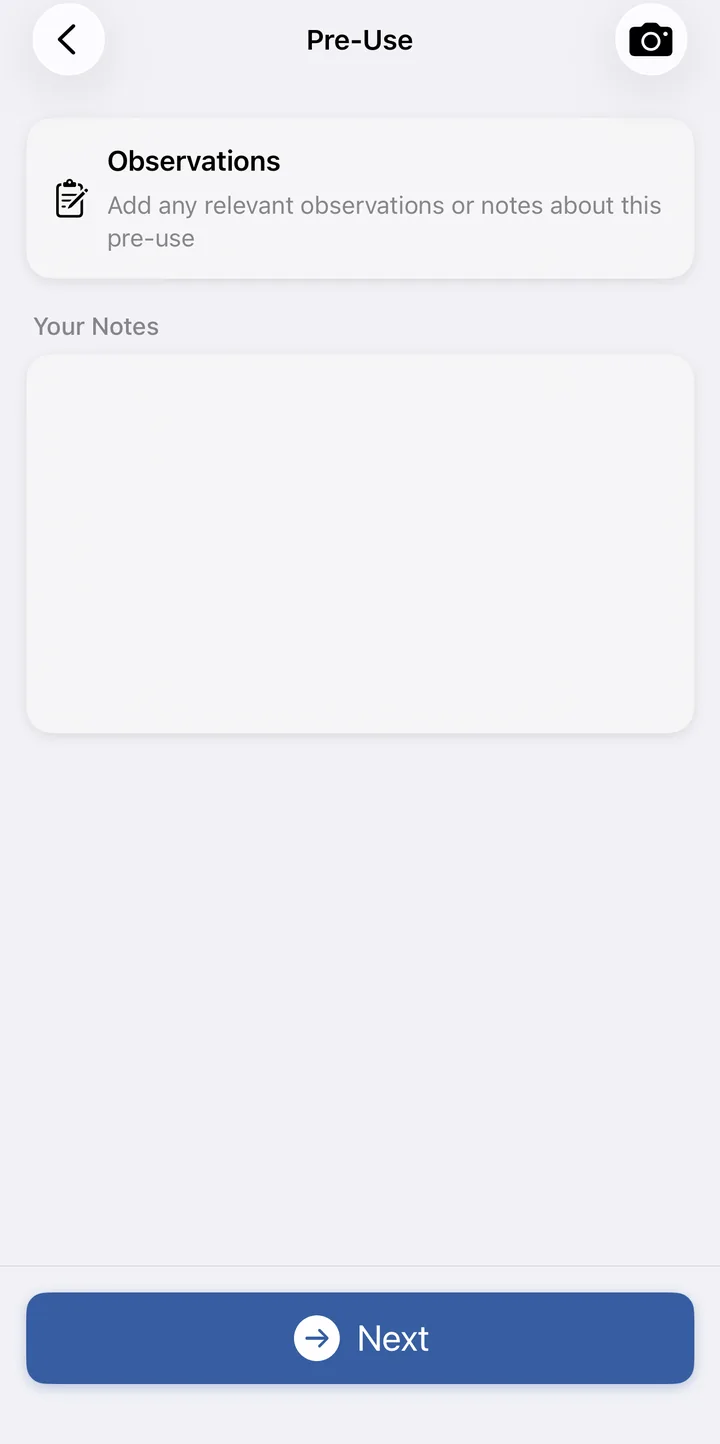
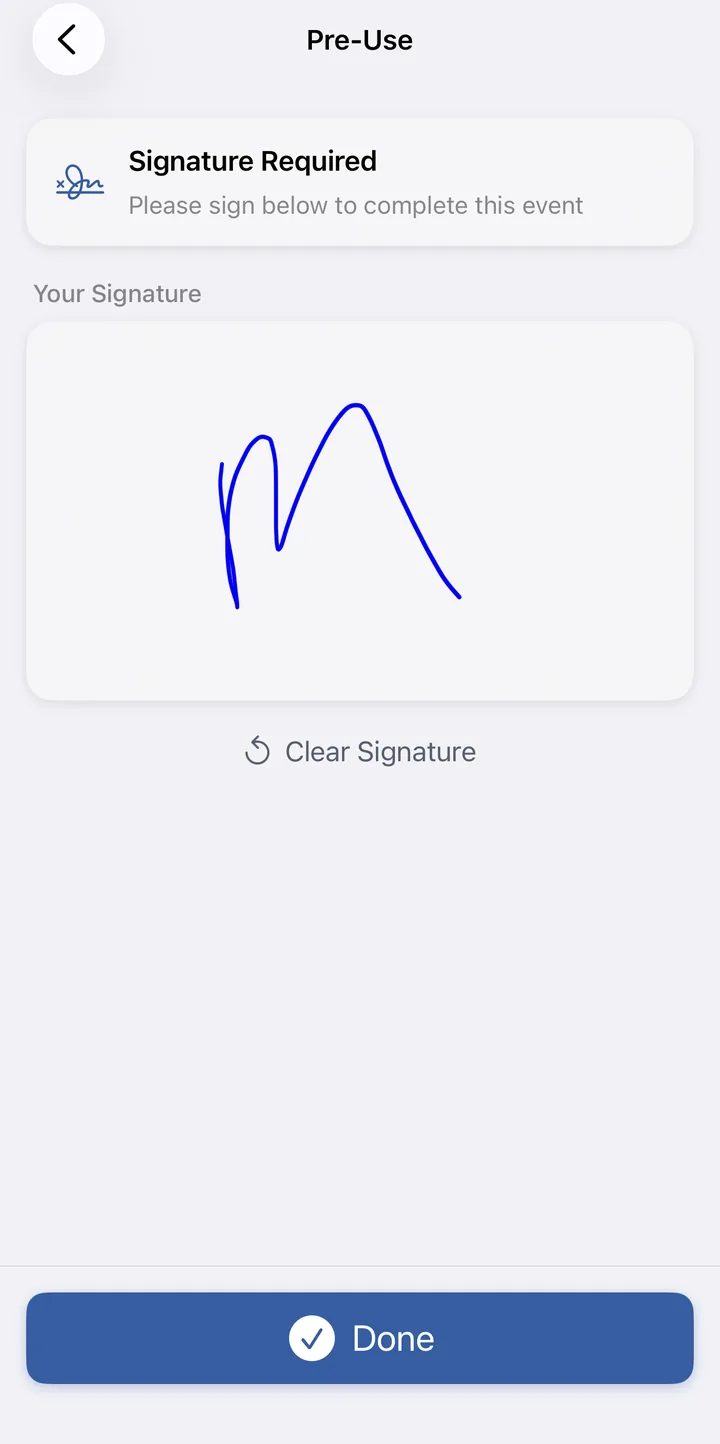
Optional observations for anything worth noting, a signature if your organisation requires one, and the check lands in the asset's history: timestamped, named, and visible to supervisors immediately. Checks work fully offline and sync the moment the phone reconnects.
In the operator's hand
Checks you build in minutes.
No fixed forms and no one else's idea of a checklist. Actions are built in the app, in your words, and assigned to the equipment they belong to.
Your checklist, word for word
Name the procedure, write the tasks (up to 99, in your order) and group them under section headers like Power & battery or Fluid levels, exactly as your operators should read them.
Checklist or step-by-step
Choose per procedure: everything on one screen for quick daily checks, or one task at a time when the order matters and nothing may be glossed over.
Mandatory where it matters
Mark the tasks that must be answered before an operator can proceed, and leave the rest optional. Pre-use, end-use, inspection and job procedures each live in their own list.
Duplicate, don't rebuild
A similar machine arrives? Duplicate an existing action, tweak the tasks, and assign it to the new assets. A new equipment type is covered in minutes.
Pre-use to end-use
The loop that closes itself.
End-use mirrors pre-use
The same flow runs when the tool goes back: condition confirmed at the end of use, the session closed, and the asset free for the next operator's own check.
No silent handovers
If the last operator never closed out, the next scan shows an orange banner with their name. Work can continue, but the gap is recorded, and supervisors can see it in the asset history.
One history per asset
Pre-use, timed usage, end-use, failures, jobs and observations sit in a single record per tool: the whole working day, in order, with nothing kept on paper.
No check, no timer.
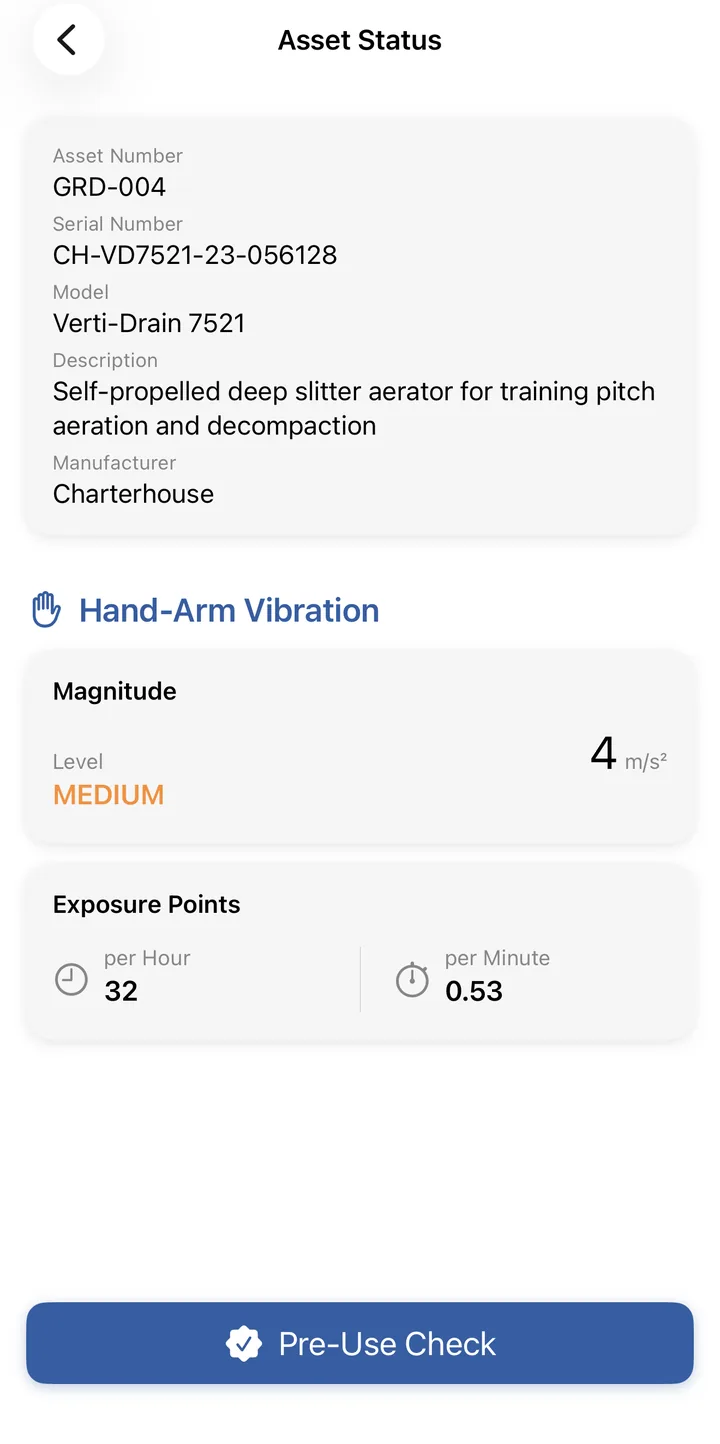
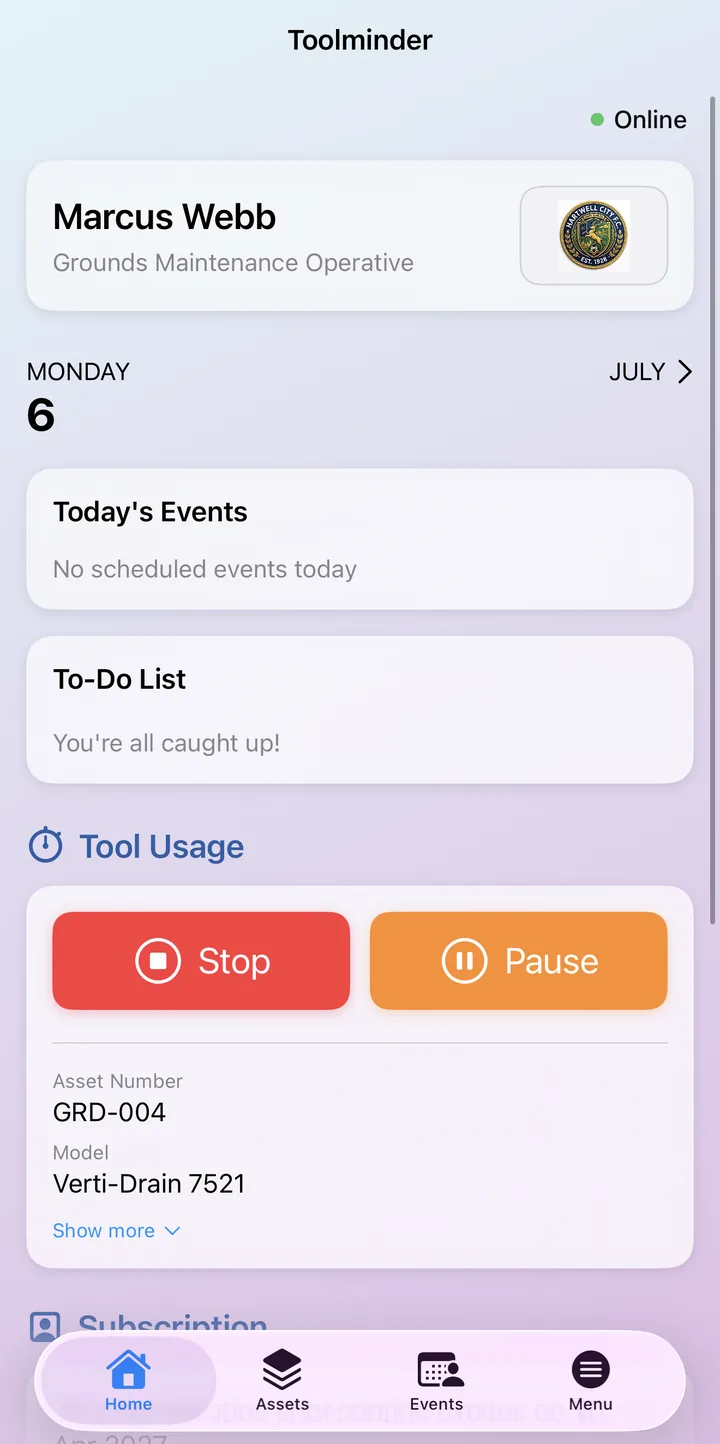
When exposure tracking is switched on, a due pre-use check happens before the usage timer can start: inspection and vibration monitoring in the same scan.
The evidence trail PUWER expects.
The Provision and Use of Work Equipment Regulations 1998 put the duty on employers to keep work equipment suitable, safe and maintained. Toolminder turns that duty into a record: every check timestamped, every operator named, every failure tracked through to resolution, and proof that each one happened at the tool, not at a desk.
Ready to see it in action?
Book a walkthrough with the team, or download the app and take a look around.